Table of Contents
Working with Aidermacs Code Actions
When using Aidermacs1 code actions, the system generates AI-powered modifications to your source code after responding to your prompt. These changes are displayed as a patch in Emacs’ built-in ediff format2.
To implement these changes, you’ll need to review and manually accept them. This is where knowledge of Emacs’ ediff tool[2] becomes essential. The diff view allows you to compare the original and modified versions side-by-side, enabling you to make informed decisions about each proposed change.
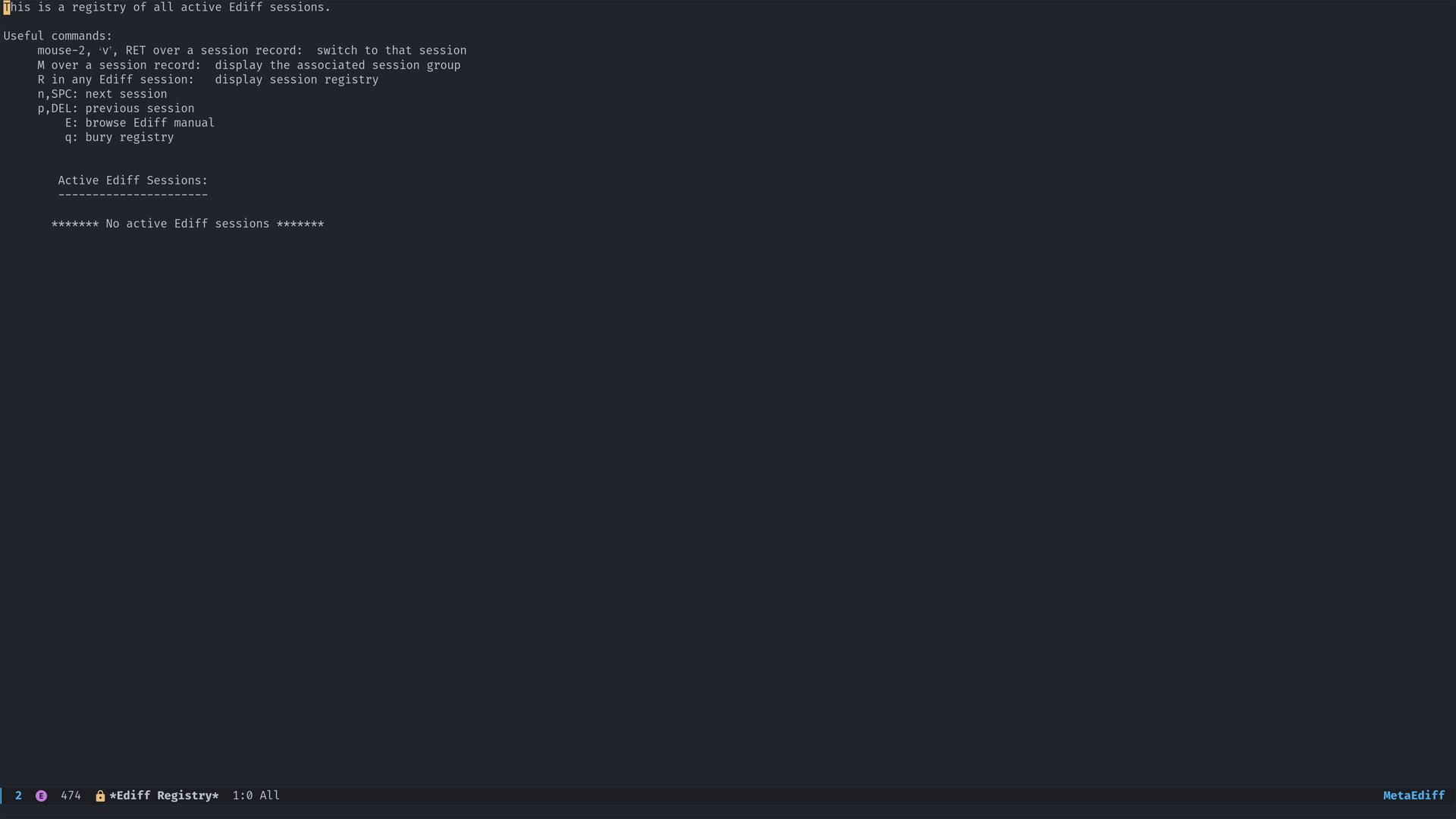 Ediff view
Mastering ediff commands will streamline your workflow when applying AI-suggested code modifications, making the Aidermacs experience more efficient and productive.
Footnotes
1 A cursor replacement in Emacs: https://github.com/MatthewZMD/aidermacs
2 https://www.gnu.org/software/emacs/manual/html_mono/ediff.html